KeyboaStick Turns a Mechanical Keyboard’s WASD Keys Into a 3D-Printed Joystick
- Gate
- AI & ML
- Departs
- Crew
- Sam Freeman
- Passengers
- 934
FunOrNothing’s printable KeyboaStick links WASD keycaps into a compact joystick, with simple assembly and versions for other keys.
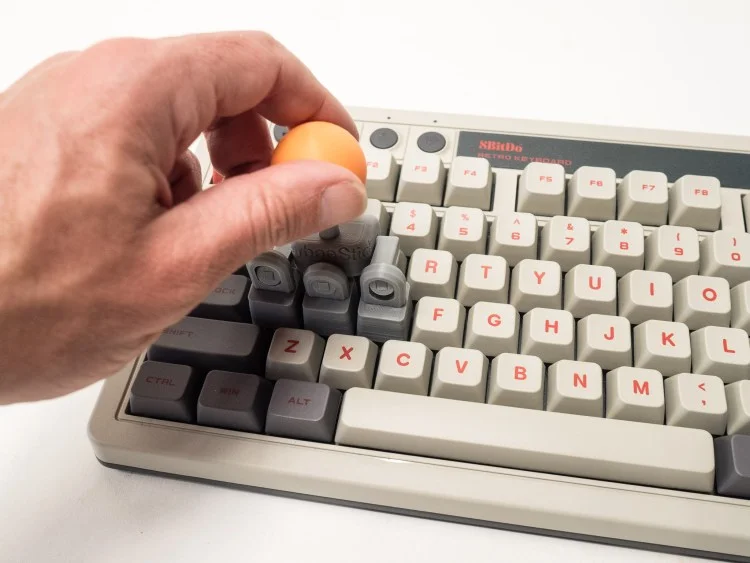
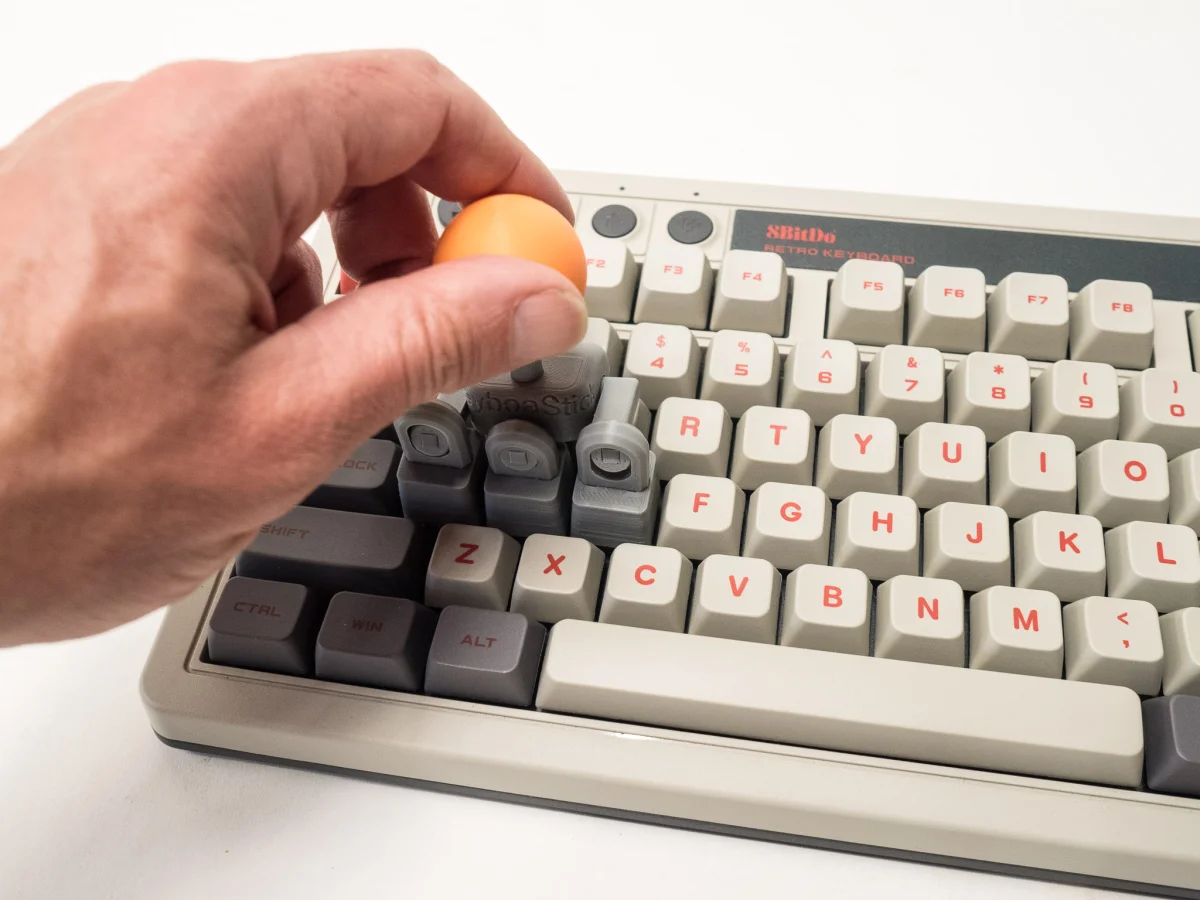
KeyboaStick gives a mechanical keyboard’s WASD keys a new job: together, they act as a small joystick. Designed by Korean maker FunOrNothing, the 3D-printed add-on connects replacement keycaps with articulated joints, creating a physical control for games without requiring a separate gamepad. The project is available as downloadable files, with the source listing a price range of $0–$17.

Four keys become one control
The standard KeyboaStick version replaces the W, A, S and D keycaps with printed parts that link to a joystick. Moving the stick actuates those keys, so the keyboard remains the input device underneath the mechanism. That makes the design an unusual bit of desktop hardware: it adds a joystick-like interface while relying on the keyboard’s existing switches and game mappings.
For players already using WASD movement, the appeal is straightforward. A joystick offers a single place to push in different directions, while the keys below continue to send their usual signals to the computer. The source doesn’t describe changes to software, key mapping or keyboard electronics; the mechanism works through the physical keycaps and linkages.
That simplicity also sets the boundaries. KeyboaStick is built around a particular cluster of keys, so fit and operation depend on the keyboard’s layout and the printed parts lining up with its switches. The project page lists an 8BitDo mechanical keyboard in its example image, but the source doesn’t provide a compatibility list for other models. Anyone printing one for a different board should check the model files and key spacing before committing to a full print.
Designed for accessible printing and assembly
The joints are designed to print largely in place, reducing the need to produce and assemble a collection of tiny separate hinges. The reviewer also found the model forgiving on an older printer that wasn’t perfectly calibrated. That matters for a design whose usefulness depends on connected moving parts: a mechanism that only works after careful tuning would be a much narrower project.
Assembly was reported as straightforward, and the parts fitted together without post-processing. In practical terms, that means the maker could put the device together without sanding or other cleanup. Still, a forgiving print is not the same as a guaranteed fit on every machine. Printer settings, material and the keyboard itself can affect how freely the joints move, and the source doesn’t specify recommended materials or print settings.
The reviewer did encounter some friction in use: movement felt slightly sticky when aiming sideways. The top also came off during an enthusiastic attempt to use it, though the reviewer continued playing. These details are useful clues for anyone considering a print. The linkage can work well enough for a game, but smooth movement and a secure assembly may depend on careful handling and the fit of the printed components.

A playful test, with familiar limits
The reviewer used KeyboaStick to play Sonic the Hedgehog 2, reaching Emerald Hill Zone without the controller becoming an obstacle. Chemical Plant Zone ended in a Game Over, which the reviewer attributed at least partly to their own play. That experience suggests the design is usable for casual gaming, while offering no controlled comparison with a standard joystick or keyboard input.
For engineers and makers, the interesting part is the mechanical translation: several existing switches become a shared directional control through a printed linkage. It’s a compact example of how a keyboard can support an alternate physical interface without adding a sensor or changing the electronics. The tradeoff is that the mechanism’s feel comes from the printed joints and key travel, rather than from a dedicated joystick assembly.
More versions and ways to get one
KeyboaStick is available on MakerWorld, where users can download the files. The listing also points to finished prints from the RadianLab Etsy store. The design has versions for other keys and a quick-replace option, giving makers alternatives to the standard WASD arrangement. A redesigned Pro version is also available as a physical print from the same store; the source describes it as offering better performance but doesn’t provide measurements or test results to explain that claim.
The article warns that sellers have copied the design, so buyers interested in a finished print can use the linked RadianLab store. For people with a suitable keyboard and access to a 3D printer, downloading the model offers a low-cost route to trying the mechanism. The reported range is $0–$17, though the source doesn’t break down which files or finished versions correspond to each price.
KeyboaStick looks most appealing as a small maker project with a practical demonstration attached: it turns familiar keys into a joystick through printable, mostly integrated joints. The unanswered questions are how consistently it fits different keyboard layouts and how much print tuning improves sideways movement and retention. Those details will determine whether it remains a fun experiment or becomes a dependable everyday control.